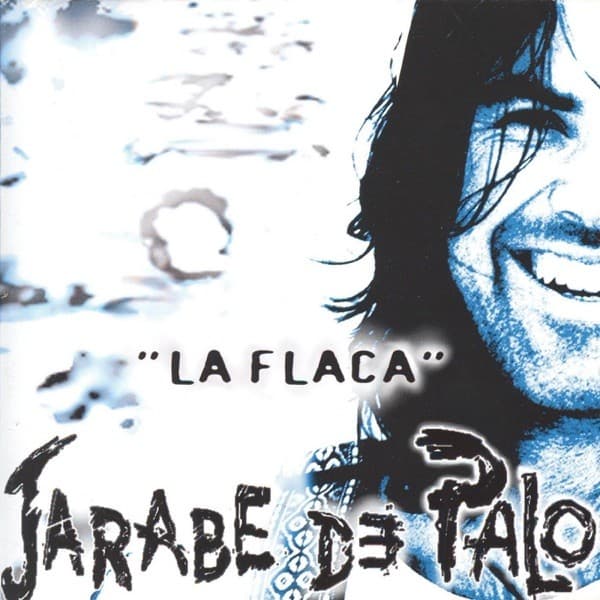
La Flaca Guitar Tone - Amp Settings for Every Track
Translate any La Flaca track to your gear
Median knob positions across the 2 guitar tracks we've broken down from this record, on the amps they were tracked with. A starting point for the album's sound; pick a track below for its exact recipe.
- Gain
- 2.8
- Bass
- 5
- Mid
- 5.5
- Treble
- 6.3
- Presence
- 5
- Volume
- 5.8
The Gear Behind La Flaca
Every La Flaca Tone You Can Dial In
2 of this record's tracks are broken down so far. Most popular first.
Common Questions About the La Flaca Tone
What amp was La Flaca recorded with?
Every one of the La Flaca tracks in our catalog was tracked on a Fender Deluxe Reverb (Blackface). ToneMirror rewrites those settings for whatever amp you own - a different EQ curve and gain structure landing on the same recorded sound.
What guitar was used on La Flaca?
The Stratocaster (modern equivalent: Fender American Professional II Stratocaster) appears on the most La Flaca tracks in our catalog. You don't need one - the settings are calibrated to the recorded tone, so they translate to the guitar you already have.
What amp settings do I need for the La Flaca sound?
Across the 2 guitar tracks from La Flaca we've catalogued, the median is gain 2.8 (range 2.5–3), with bass 5, mid 5.5, treble 6.3 on a 0–10 scale. That's the record's window rather than any one song's recipe - pick a track above for the exact knob positions it was recorded with.
How many La Flaca songs can I dial in here?
ToneMirror has 2 tracks from La Flaca broken down, including "Grita" and "La Flaca". Each carries the original amp settings, pickup position, tuning, and pedal chain, plus a per-rig adaptation for your own gear.