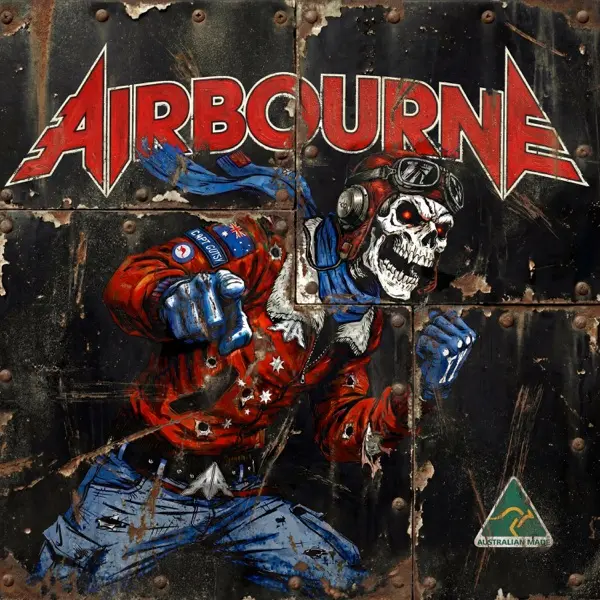
How to Dial In "Kid in a Candy Store" by Airbourne - Guitar Tone Settings
What Airbourne Actually Used on "Kid in a Candy Store"
Original Knob Positions, Pickup, and Tuning
Where to set the knobs for this tone. Each value is on the standard 0–10 amp scale.
These numbers are for a Marshall JCM800 2203. On your amp, they won't sound the same.
Get the settings for my ampHow the artist had their guitar configured for this take.
From the Australian band's 2026 self-titled album, continuing their unashamed AC/DC-indebted SG-into-Marshall attack.
Common Questions About the "Kid in a Candy Store" Tone
What guitar did Airbourne use on "Kid in a Candy Store"?
Airbourne tracked "Kid in a Candy Store" on a Gibson SG Standard (released 2026). Pickup selector: bridge pickup on the guitar. Tuned to standard (E A D G B E).
What amp settings does "Kid in a Candy Store" need?
On Marshall JCM800 2203: Gain 6.5, Bass 6, Mid 5.5, Treble 6, Presence 5.5, Volume 7.5. Each value is on the standard 0–10 amp scale; match them on your amp first, then nudge to taste. ToneMirror can translate these positions for whatever amp you actually own.
Can I play "Kid in a Candy Store" without a Marshall JCM800 2203?
Yes. ToneMirror takes the original recipe above and adapts it to your guitar, amp, and pedals - so you can chase the "Kid in a Candy Store" tone on a Katana, a Helix, a tube combo, or anything else. The translation accounts for EQ curve, gain structure, and pickup type so the result actually sounds like the record, not just the same knob numbers on different gear.
More Tones You Can Dial In
Tone references for "Kid in a Candy Store" by Airbourne are provided for educational use. ToneMirror is not affiliated with the artists or labels referenced.